


Businesses generate data across almost every function. Sales teams manage customer and revenue information, finance teams work with financial records, operations teams manage performance data, and leadership teams need a clear view of overall business performance.
Traditionally, this information has been presented through spreadsheets and static reports.
These reports still have their place, but they can become difficult to work with when businesses need faster answers. A static report may show what happened, but decision-makers often need to explore the data further, compare performance, identify trends, and understand what requires attention.
This is where interactive dashboards are changing business reporting.
Instead of reviewing pages of information, users can explore key metrics through charts, graphs, filters, and visualisations. Information becomes easier to understand, and business users can access the insights most relevant to their roles.
In this blog, we'll explore how interactive dashboards are changing traditional reporting, their key benefits, and how iDashboard helps organisations turn business data into clear, actionable insights.
What are interactive dashboards?
Interactive dashboards are visual reporting interfaces that allow users to explore business data dynamically.
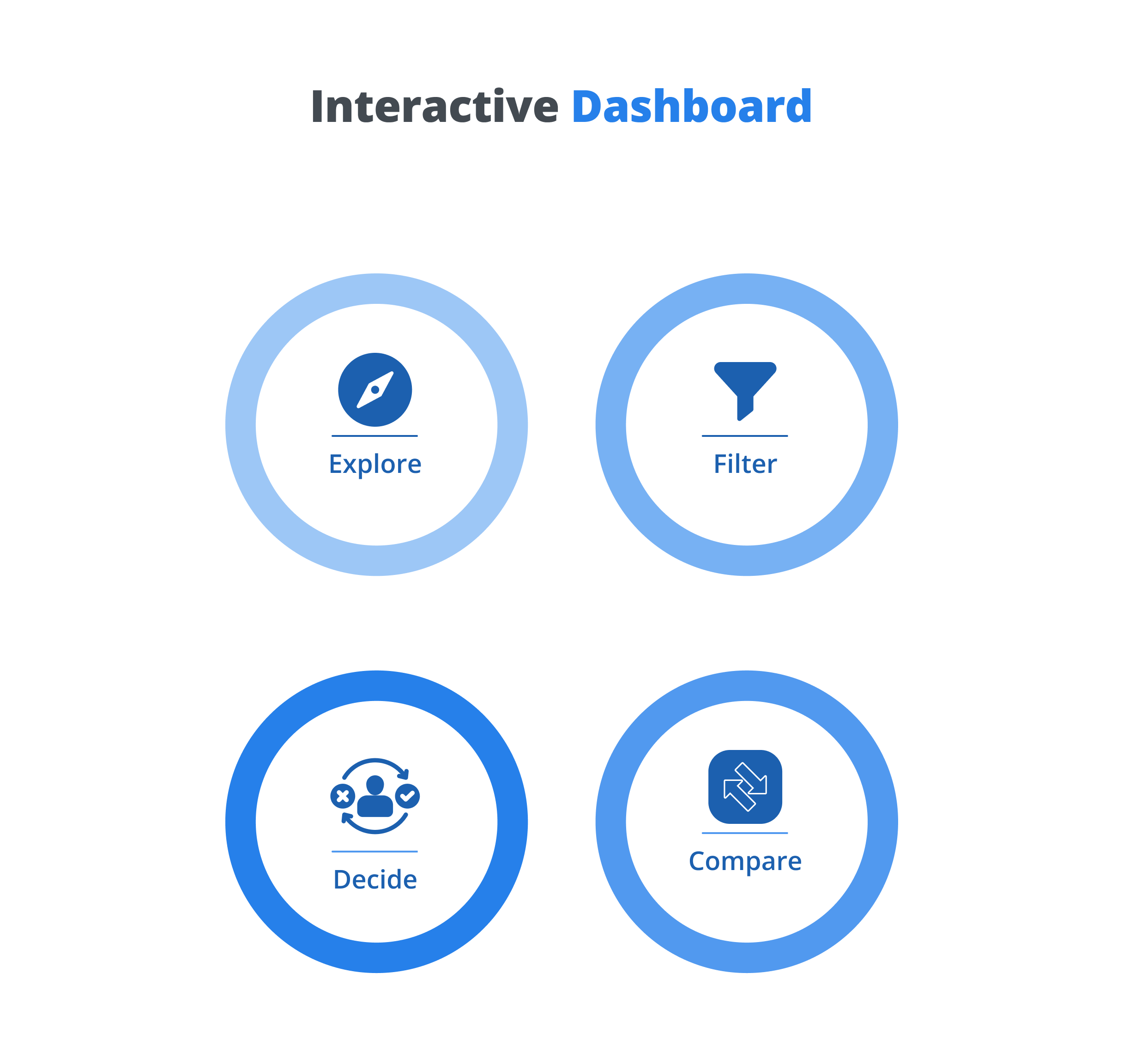
Unlike static reports, interactive dashboards let users interact with information through features such as:
- Filters
- Charts
- Graphs
- KPIs
- Drill-downs
- Data comparisons
- Visual reports
For example, a sales manager may want to view overall sales performance and then filter the dashboard by region, product, or sales team.
Instead of requesting a new report, the user can explore the information directly.
Why are traditional reports becoming less effective?
Traditional reports are usually designed to present a fixed view of information.
They can be useful for documentation, compliance, scheduled reporting, and formal business reviews. However, they can become limiting when users need to explore information or respond quickly to changing business conditions.
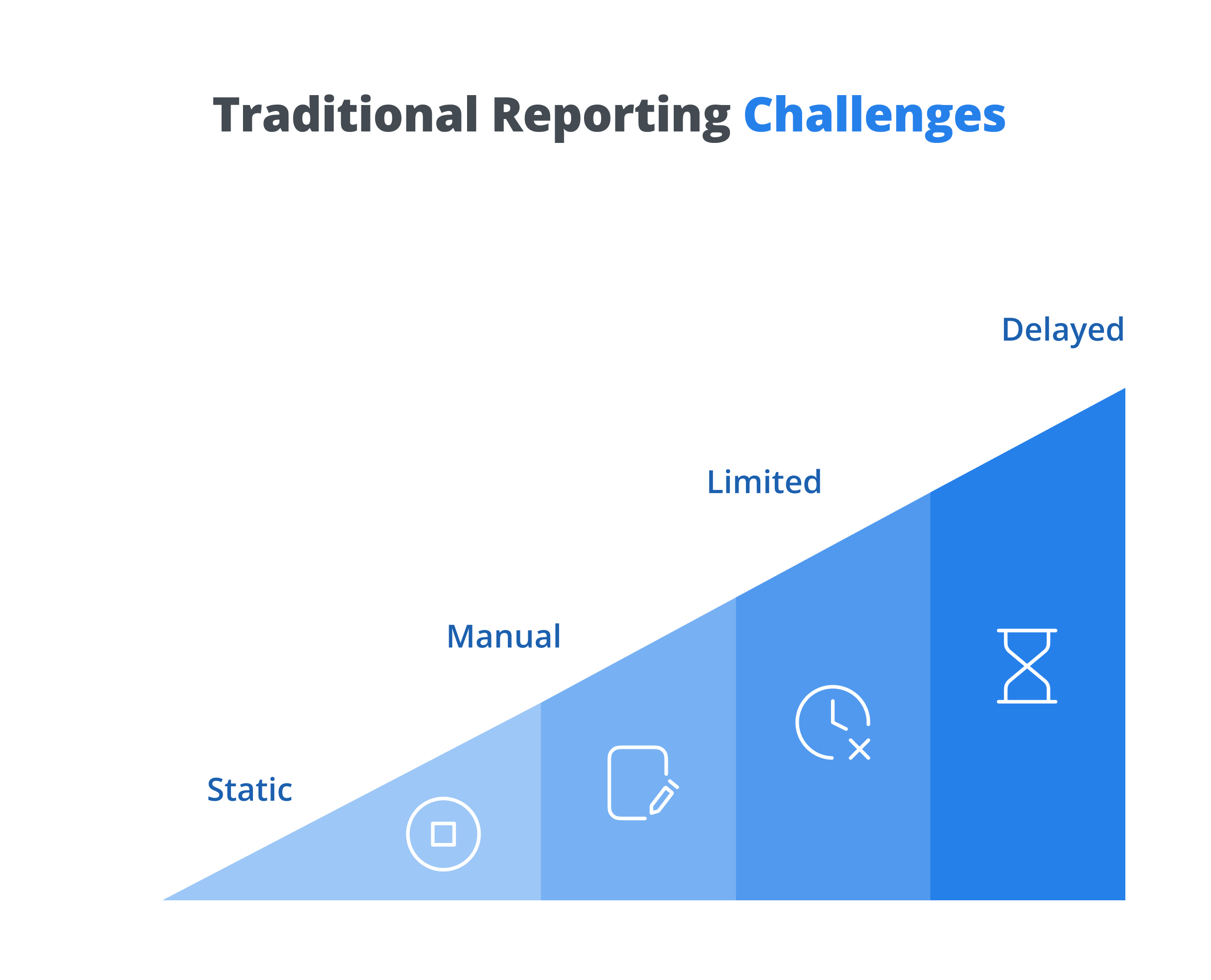
Common challenges include:
- Static information
- Manual report preparation
- Limited data exploration
- Multiple report versions
- Difficult comparisons
- Delayed insights
The challenge isn't that traditional reports are useless. The challenge is that businesses increasingly need reporting that allows them to interact with their data.
Interactive dashboards vs traditional reports
The biggest difference is how users interact with information.
| Traditional Reports | Interactive Dashboards |
|---|---|
| Static information | Dynamic information |
| Fixed reporting views | Customisable views |
| Manual analysis | Interactive analysis |
| Limited exploration | Filters and drill-downs |
| Separate reports | Unified dashboard |
| Periodic updates | Continuous data visibility |
| More time spent finding insights | Faster access to relevant information |
Interactive dashboards don't necessarily replace every traditional report. Instead, they complement formal reporting by giving business users a more flexible way to explore and understand data.
How interactive dashboards are changing business reporting
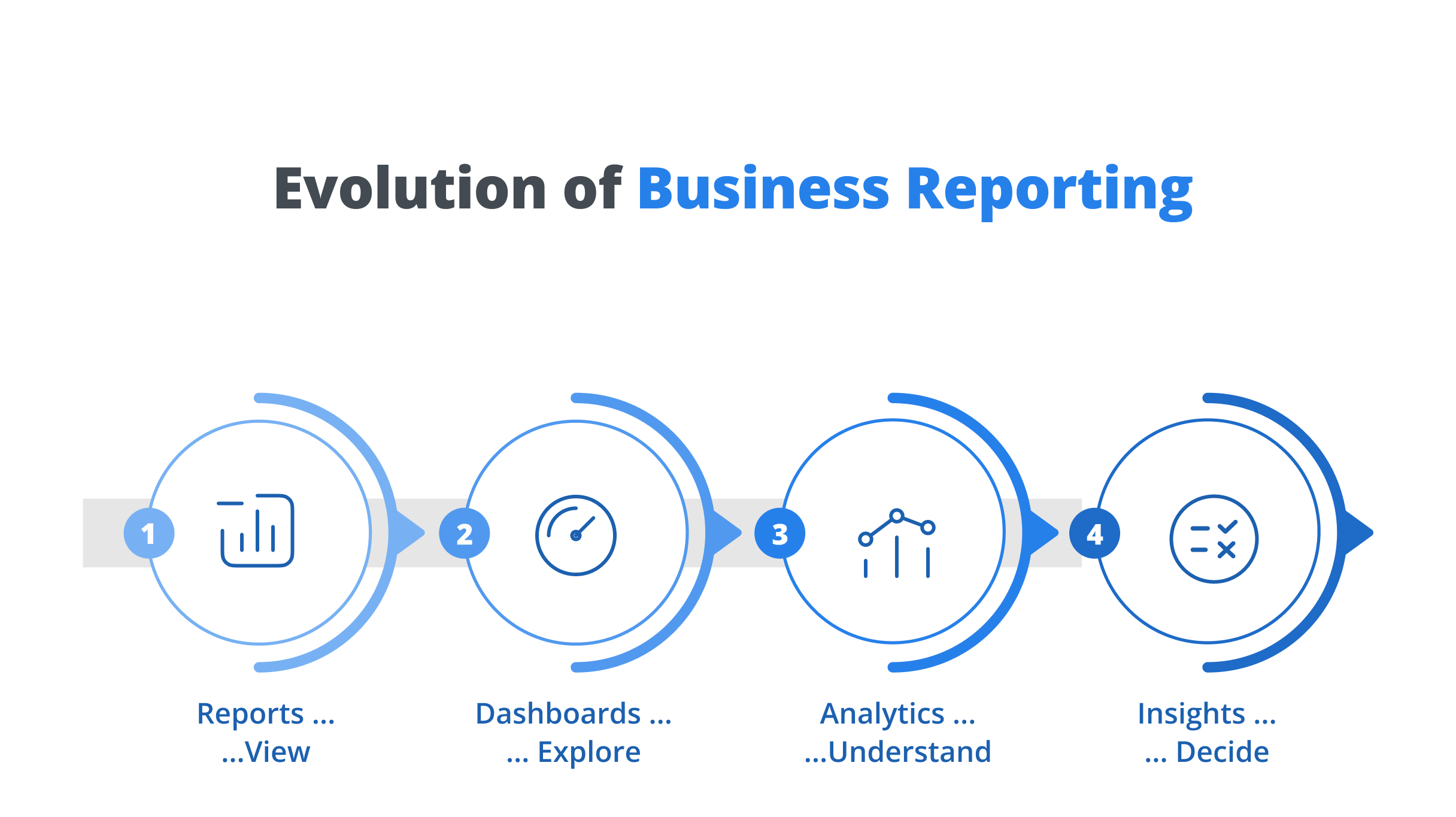
Interactive dashboards are changing reporting from a document-focused process into an insight-focused experience.
From static information to interactive insights
Traditional reports present information in a fixed format. Interactive dashboards allow users to explore that information based on their needs.
Benefits
- Easier analysis
- Better understanding
From manual reports to self-service analytics
Business users don't always need to depend on technical teams for every reporting requirement. Self-service dashboards allow users to access and explore relevant information themselves.
Benefits
- Faster access
- Greater independence
From multiple reports to one unified view
Businesses often have separate reports for different departments and functions. Interactive dashboards can bring relevant information together into a central view.
Benefits
- Better visibility
- Consistent information
From numbers to visual stories
Large amounts of data can be difficult to understand when presented as rows and columns. Charts, graphs, KPIs, and visual indicators make information easier to interpret.
Benefits
- Faster understanding
- Clearer insights
From looking back to looking ahead
Reports often focus on what has already happened. Interactive dashboards can help users identify trends and patterns that support better planning.
Benefits
- Better forecasting
- Smarter planning
From reporting to decision-making
The ultimate purpose of business reporting is to support decisions. Interactive dashboards help decision-makers move from information to action more efficiently.
Benefits
- Faster decisions
- Better outcomes
Key benefits of interactive dashboards
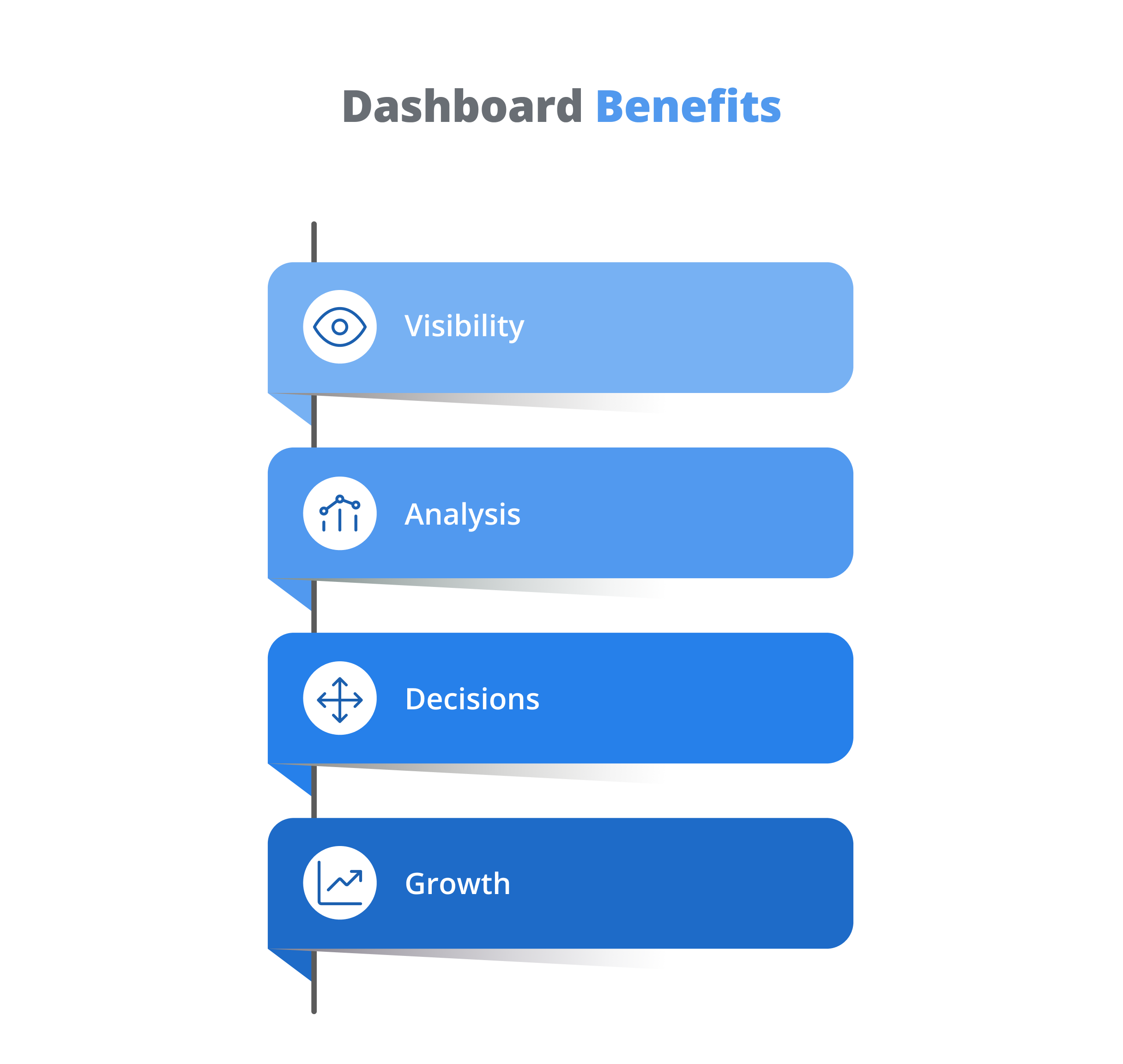
Interactive dashboards provide value across different business functions.
Where can businesses use interactive dashboards?
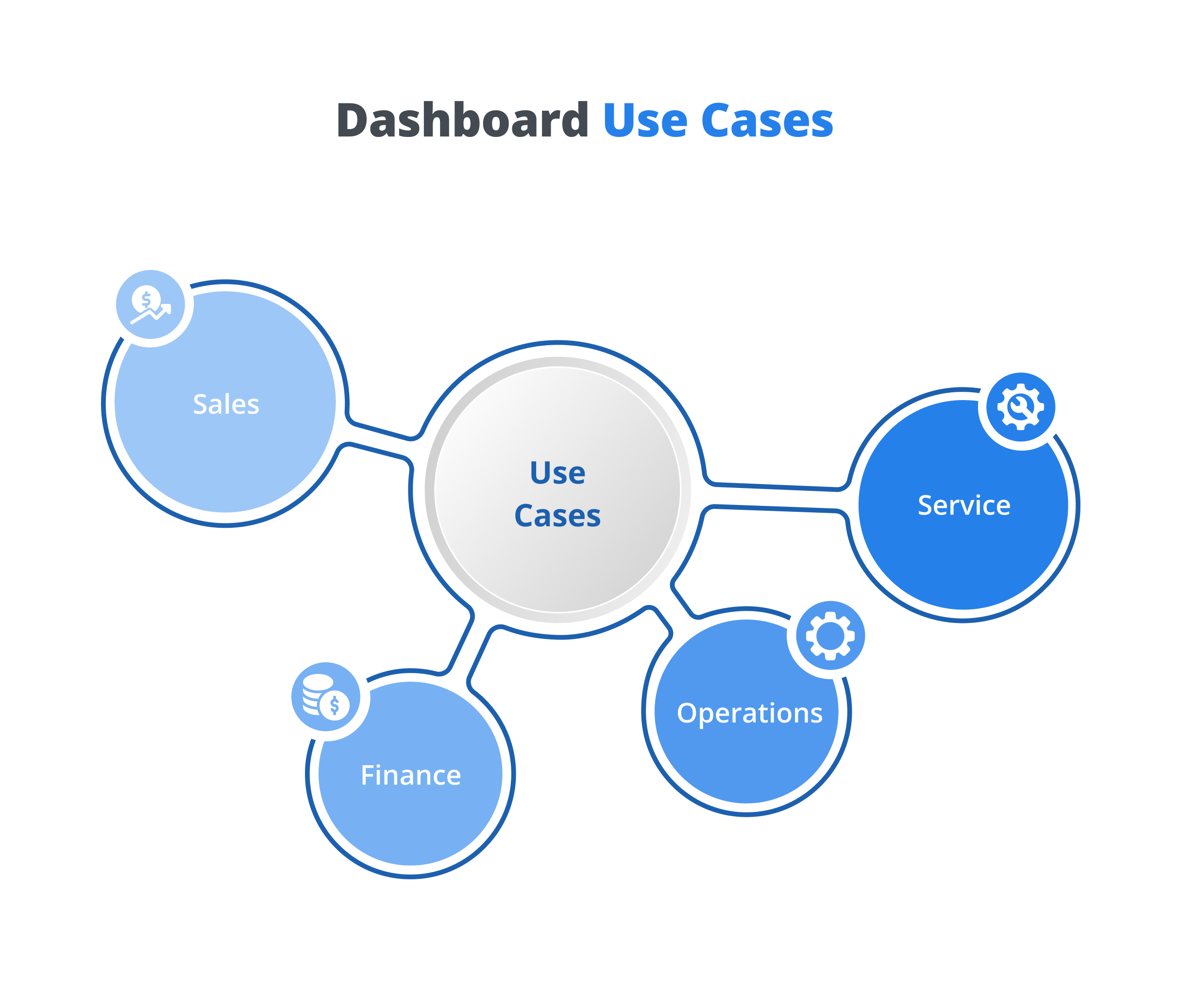
Interactive dashboards can support almost every department.
- Revenue performance
- Sales pipeline
- Product performance
- Regional performance
- Revenue analysis
- Expense reporting
- Financial performance
- Budget insights
- Process performance
- Resource utilisation
- Operational KPIs
- Service performance
- Customer requests
- Service performance
- Response trends
- Satisfaction insights
- Business KPIs
- Overall performance
- Strategic insights
- Growth opportunities
Best practices for using interactive dashboards
Simply having a dashboard doesn't guarantee better decisions. Businesses should design dashboards around clear objectives and user needs.
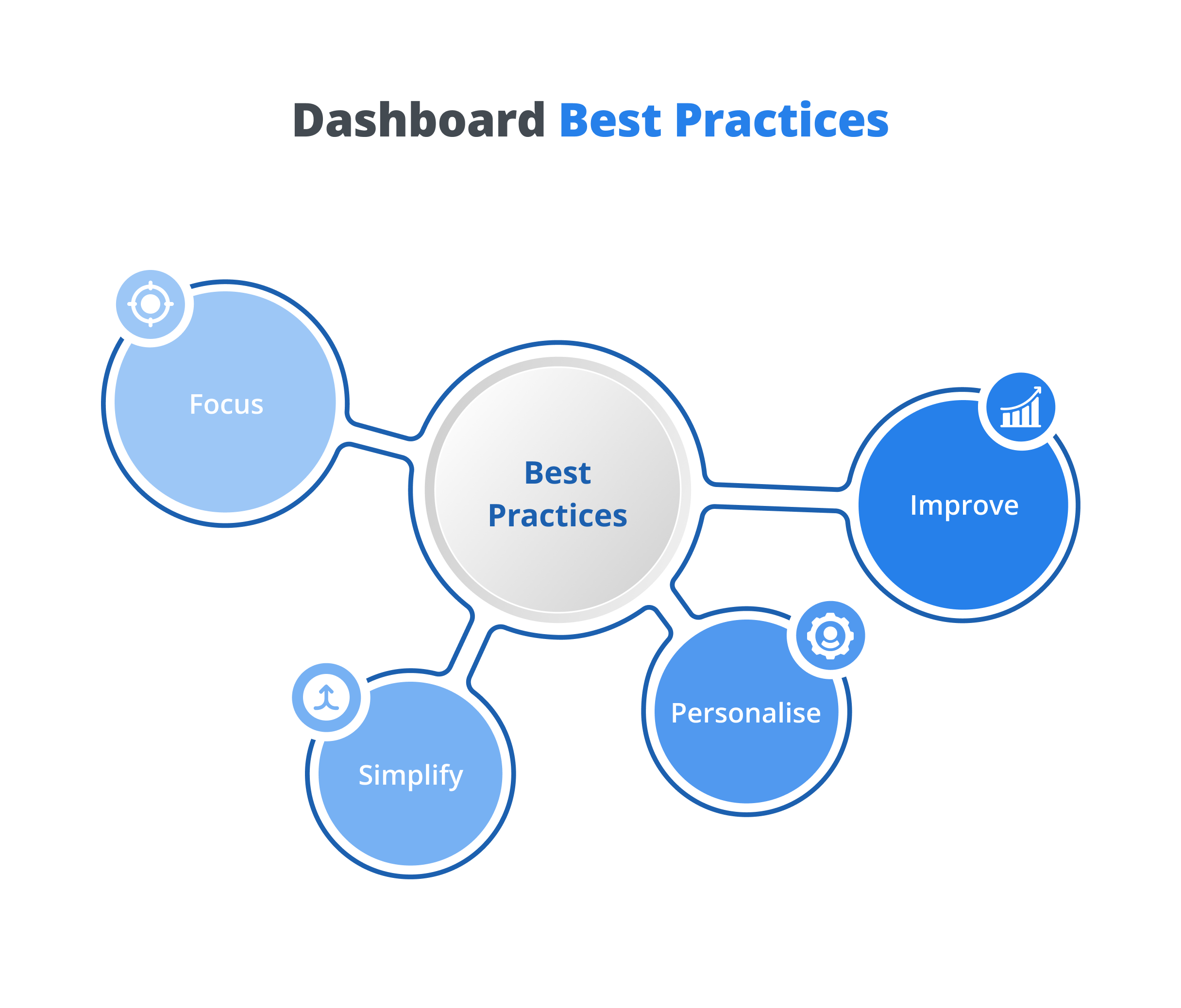
Focus on important KPIs
Avoid filling dashboards with unnecessary information. Display the metrics that matter most.
Keep visuals simple
Use charts and graphs that make information easy to understand.
Create role-based views
Different users need different information. Build dashboards around specific business roles and responsibilities.
Enable data exploration
Use filters, comparisons, and drill-downs to help users explore relevant information.
Keep data consistent
Ensure dashboards use reliable and consistent business data.
Review dashboards regularly
Business priorities change. Dashboards should evolve with them.
Why choose iDashboard for interactive business reporting?
Interactive dashboards are most valuable when businesses can bring data from different sources into one accessible environment.
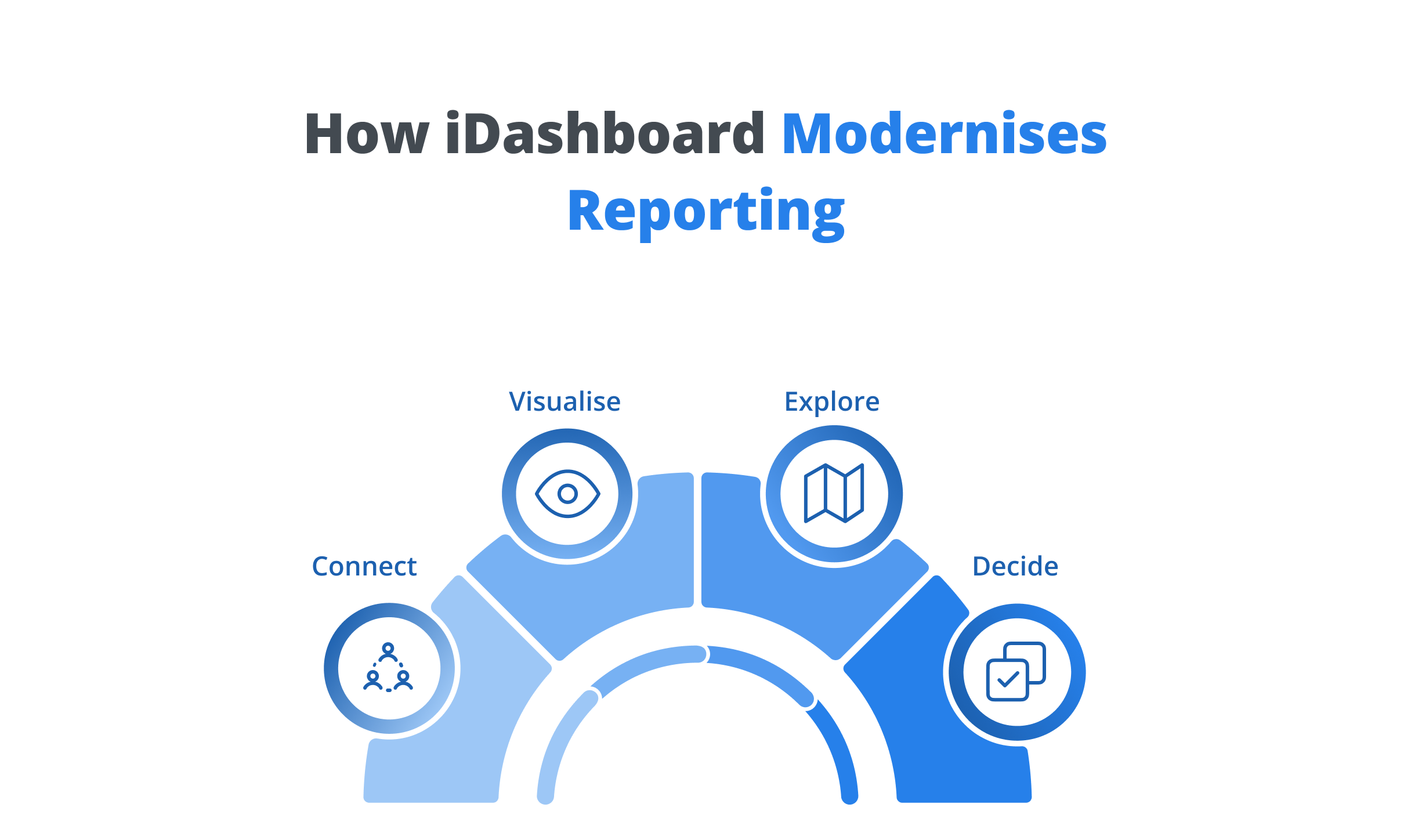
iDashboard by CATS4U is a Business Intelligence and data visualisation platform designed to help organisations transform business data into interactive dashboards, reports, and meaningful insights.
Instead of relying entirely on static reports, iDashboard enables users to explore business information through visual dashboards and self-service analytics.
Key features of iDashboard:
- Interactive dashboards
- Self-service reporting
- Data visualisation
- KPI monitoring
- Business analytics
- Custom dashboards
- Multi-source data integration
- Role-based access
- Scheduled reporting
- Native integration across the CATS4U suite
Whether you're analysing sales, finance, operations, customer service, or overall business performance, iDashboard helps teams access relevant information and turn complex data into clearer business insights.
Traditional reports still have a role
Interactive dashboards are changing everyday business reporting, but traditional reports aren't disappearing completely.
Static reports remain useful when businesses need:
- Formal documentation
- Compliance records
- Fixed-format reporting
- Periodic business reviews
- Reports for external stakeholders
The best reporting strategy often combines both approaches.
Traditional reports provide structured documentation.
Interactive dashboards provide flexible exploration and ongoing business visibility.
Together, they create a more complete reporting environment.
Conclusion
Business reporting is evolving from static documents to interactive experiences.
Traditional reports remain valuable for formal and structured reporting, but interactive dashboards give organisations a more flexible way to explore data, understand trends, and make informed decisions.
By bringing KPIs, visualisations, filters, and business data together, interactive dashboards help users move beyond simply viewing information to actively exploring it.
With iDashboard, organisations can modernise business reporting through interactive dashboards, self-service analytics, data visualisation, and centralised business insights.
The result is a reporting experience that makes data easier to understand, and decisions easier to make.
Frequently asked questions
An interactive dashboard is a visual reporting interface that allows users to explore business data using features such as filters, charts, KPIs, comparisons, and drill-downs.
Traditional reports generally present information in a fixed format, while interactive dashboards allow users to explore and customise information based on their requirements.
Key benefits include:
- Better data visibility
- Faster analysis
- Easier data exploration
- Improved decision-making
- Self-service reporting
- Better understanding of business performance
Interactive dashboards can support:
- Sales
- Finance
- Operations
- Customer Service
- Human Resources
- Leadership
Not necessarily. Traditional reports remain useful for formal documentation, compliance, and fixed-format reporting, while interactive dashboards are better suited to exploration, analysis, and ongoing performance visibility.
iDashboard helps organisations create interactive dashboards, visualise data from multiple sources, monitor KPIs, explore business performance, and generate reports through a self-service Business Intelligence platform.
